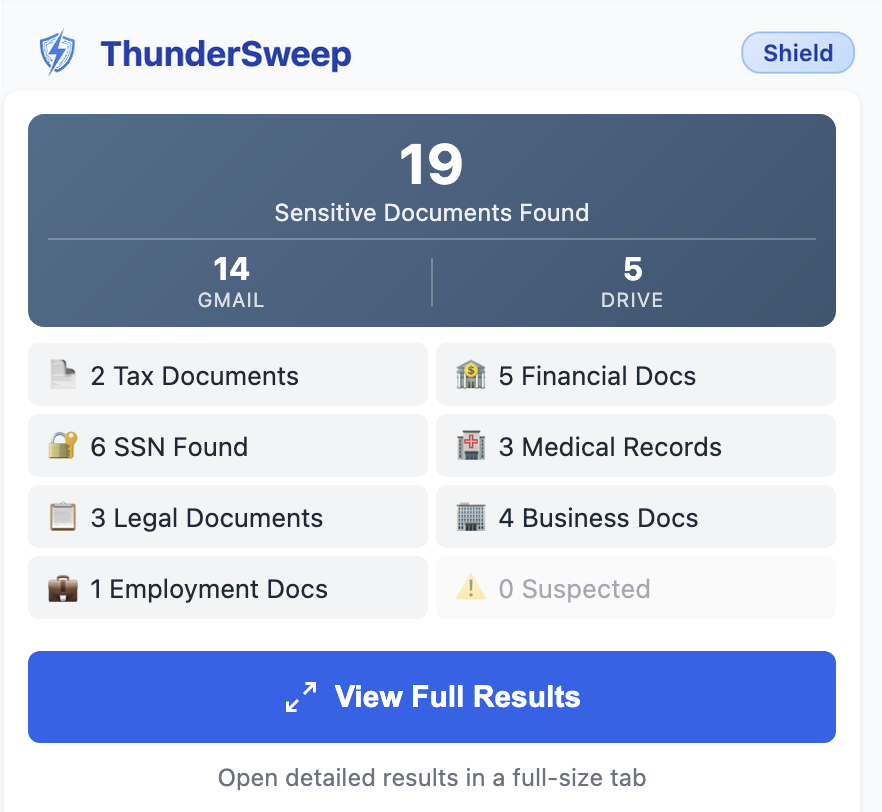
The install dialog says ThunderSweep can "Read your browsing history." Why does
it need that?
This is misleading Chrome wording — ThunderSweep does not read or record your
browsing history. Chrome labels the tabs permission as "Read your browsing history" for
all extensions, even if all they do is check which site is currently open. ThunderSweep uses
this only to detect whether you are on Gmail, so it knows when to show the real-time attachment
warning. It never reads, stores, or transmits any tab data. Here is what each permission line in
the install dialog actually means:
Read and change your data on api.gumroad.com, mail.google.com, googleapis.com —
Gumroad is used only to verify your license key. Gmail and googleapis are required to read and
scan your attachments via the Gmail API. Nothing is uploaded or sent to our servers.
Read your browsing history — Chrome's label for the standard tabs
permission. ThunderSweep only checks whether the current tab is Gmail to know when to display
the monitoring warning. No history is read or stored.
Display notifications — Used by Shield to alert you when a new sensitive
attachment arrives in your inbox.
Manage your downloads — Used when you download sensitive attachments to your
local drive for safekeeping before deleting them from Gmail.
Chrome says "This extension is not trusted by Enhanced Safe Browsing." Should I
be worried?
No — this warning has nothing to do with whether the extension is safe. It's
shown by Chrome's optional Enhanced Safe Browsing feature for any extension that is new and
doesn't yet have a large install history. Google already reviewed and approved ThunderSweep
before listing it on the Chrome Web Store. The warning simply means the extension hasn't
accumulated enough users yet for Chrome to assign it a reputation score. It will disappear
automatically as more people install it. You can safely click Continue to
install.
When connecting Gmail, I see "Google hasn't verified this app." Is ThunderSweep
safe?
Yes, completely safe. This screen appears because Google's manual OAuth app
verification is still in progress — we submitted our verification request and are waiting on
Google's review, which typically takes a few weeks. It does
not mean the
extension is malicious or that your data is at risk. ThunderSweep is already approved and listed
on the Chrome Web Store; this is a separate Google review process for OAuth access.
To
proceed: click
"Advanced" at the bottom left of that screen, then click
"Go to ThunderSweep (unsafe)". The word "unsafe" is Google's generic disclaimer
for any unverified app — it is not a security finding. Once Google completes verification, this
screen will disappear entirely. See our
Setup Guide for step-by-step
instructions.
Why should I worry? I have MFA and a strong password.
MFA protects your login — it doesn't protect data already stored inside
your account. Session hijacking, OAuth token theft, and real-time phishing proxies can bypass
MFA. If someone gets in, they get access to every unencrypted attachment in your inbox going
back years. Plus, Google's own systems can access your unencrypted attachments. The best
protection is to not have sensitive data sitting there in the first place.
I trust Google. Why do I need this?
Google is highly secure — but your email attachments are still stored
unencrypted on their servers. In a data incident, it's not your display name that gets exposed
— it's every tax return, bank statement, and SSN in your inbox. ThunderSweep helps you
move sensitive files to your local drive where you control them, and remove them from the cloud.
Do I really need to delete old tax returns from Gmail?
The IRS requires you to keep tax returns for 3 years (6 years in some cases). A
2018 tax return sitting in your Gmail serves no legal purpose — it only increases your
exposure. If your account is compromised, every year of tax documents is an additional weapon
for identity theft. Download what you need to local storage and remove the rest.
What's included in the 7-day free trial?
Every Gmail account automatically gets 7 days of Shield features when you run
your first scan. During the trial, you get unlimited scans, all results unlocked, continuous
monitoring, security score tracking, and all Shield features. No credit card required. After 7
days, you'll return to the Free plan (2 scans/week, 3 results shown) unless you upgrade to
Shield or Clean Sweep.
Why would I pay $4.99/month for Shield?
The free tier gives you 2 scans per week (view 3 results) plus a 7-day Shield
trial. Clean Sweep ($14.99) lets you view all results from one scan,
but doesn't give you the ability to run new scans. Shield ($4.99/mo or
$54.98/year) gives you unlimited scans plus real-time monitoring.
New sensitive documents keep arriving — tax returns from your accountant, bank statements,
medical records. Without monitoring,
the problem rebuilds itself. Shield also warns you before you accidentally send a sensitive
attachment. Think of it this way:
identity theft monitoring (LifeLock, etc.) costs $10-25/month and only alerts you after the
damage is done. Shield helps prevent it
for a fraction of the cost.
Can't I just search Gmail for "SSN" or "tax return" myself?
No — Gmail search only searches email text and attachment filenames, not
the contents of attachments. If your 2022 tax return is named "document.pdf" or
"scan_2023.pdf", Gmail won't find it even though it contains your SSN. ThunderSweep opens and
scans every PDF, Word doc, and spreadsheet locally in your browser to find
sensitive data regardless of filename — that's why manual Gmail searching misses 70-80%
of sensitive documents.
Can ThunderSweep see my emails?
ThunderSweep requests read access to scan your attachments for sensitive
patterns. All processing happens locally in your browser — our code never sends your data
anywhere. (See "We Don't Want Your Data" above for how to verify this yourself.)
What happens when I delete emails?
Deleted emails are moved to your Gmail trash, where they remain for 30 days
before Google permanently removes them. ThunderSweep never permanently deletes anything —
you always have a recovery window. We recommend downloading attachments to your local drive
before deleting.
What's the difference between Clean Sweep and Shield?
Clean Sweep unlocks results from your current scan only —
Important: each key is tied to that specific scan and can't be reused once you
deactivate it and run a new one. Shield is ongoing instead of one-time (see "Why would I pay
$4.99/month for Shield?" above for what that gets you).
Can I reuse my Clean Sweep license after deactivating?
You can reactivate the same Clean Sweep license only if you haven't run
any new scans since deactivating it.
The Clean Sweep key is permanently tied to the scan results it was originally used for. Once you
deactivate and run a new scan (using your free tier scans),
the old Clean Sweep key will no longer work for the new results — you'll need to purchase a new
Clean Sweep key. This prevents abuse where one $14.99 purchase
could unlock unlimited scans. For unlimited scanning ability, subscribe to Shield ($4.99/mo or
$54.98/year) instead.
Does ThunderSweep scan Google Drive too?
Yes — ThunderSweep scans both your Gmail inbox and your Google Drive, with the
same PDF, Word, and spreadsheet coverage on both. You can scan Gmail and Drive independently
or together from the same dashboard.
What is the Encrypted Vault?
The Encrypted Vault is a secure local feature that lets you lock away sensitive files before deleting their original versions. When you choose to vault an attachment or Drive file, ThunderSweep encrypts it locally in your browser using AES-256-GCM encryption. The encrypted file is then saved to a dedicated ThunderSweep folder in your Google Drive, while the unencrypted original is deleted. You create the master Vault password, and because of our zero-knowledge architecture, your password never leaves your device. We cannot recover your files if you lose it.
What is TS Share (Secure File Sharing)?
TS Share lets you securely send files from your Vault to anyone else, even if they don't use ThunderSweep. When you share a file from your dashboard, ThunderSweep decrypts it locally and immediately re-encrypts it using a one-time transfer key generated on your device. This unique key is embedded directly into the recipient's email link as a URL fragment (e.g., #token=...). Because web browsers are hard-coded to never transmit URL fragments to backend servers, the decryption key is literally never sent to us or stored on our servers. The encrypted blob is temporarily stored for 7 days before being auto-deleted, guaranteeing a true zero-knowledge file transfer.
How do I share files with someone who doesn't use ThunderSweep?
For recipients who cannot install ThunderSweep, you can use the TSxport feature directly from your Vault. TSxport safely packages your selected files into a standard, password-protected ZIP archive right on your device. Your recipient can then open the ZIP using any standard extraction app like 7-Zip, WinZip, WinRAR, or Keka. For maximum security, always set a strong password and share it with your recipient through a separate channel (like a text message or Signal), never in the same email as the file itself.
What file types does it scan?
ThunderSweep scans PDF, Word (.docx), Excel (.xlsx), text files, and CSV files —
in both Gmail attachments and Google Drive. It also opens and scans files inside ZIP archives
attached to Gmail. Password-protected files can't be scanned but are flagged for your
review.
How do I cancel my Shield or Family subscription?
Subscriptions are billed and managed through Gumroad. There is no cancel button inside
ThunderSweep — you'll need to follow these steps directly through Gumroad.
Your access continues until the end of your current billing period —
you won't lose any features the moment you cancel.
-
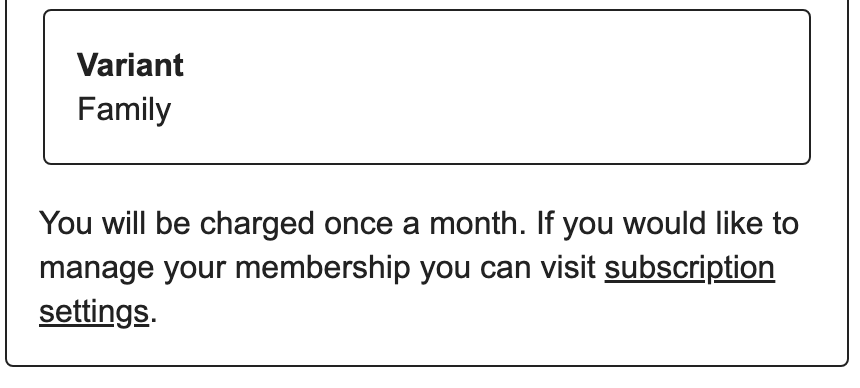
Step 1 — Open your Gumroad receipt email
Find the original purchase email from Gumroad. Scroll down to the billing
section and click the "subscription settings" link.
-
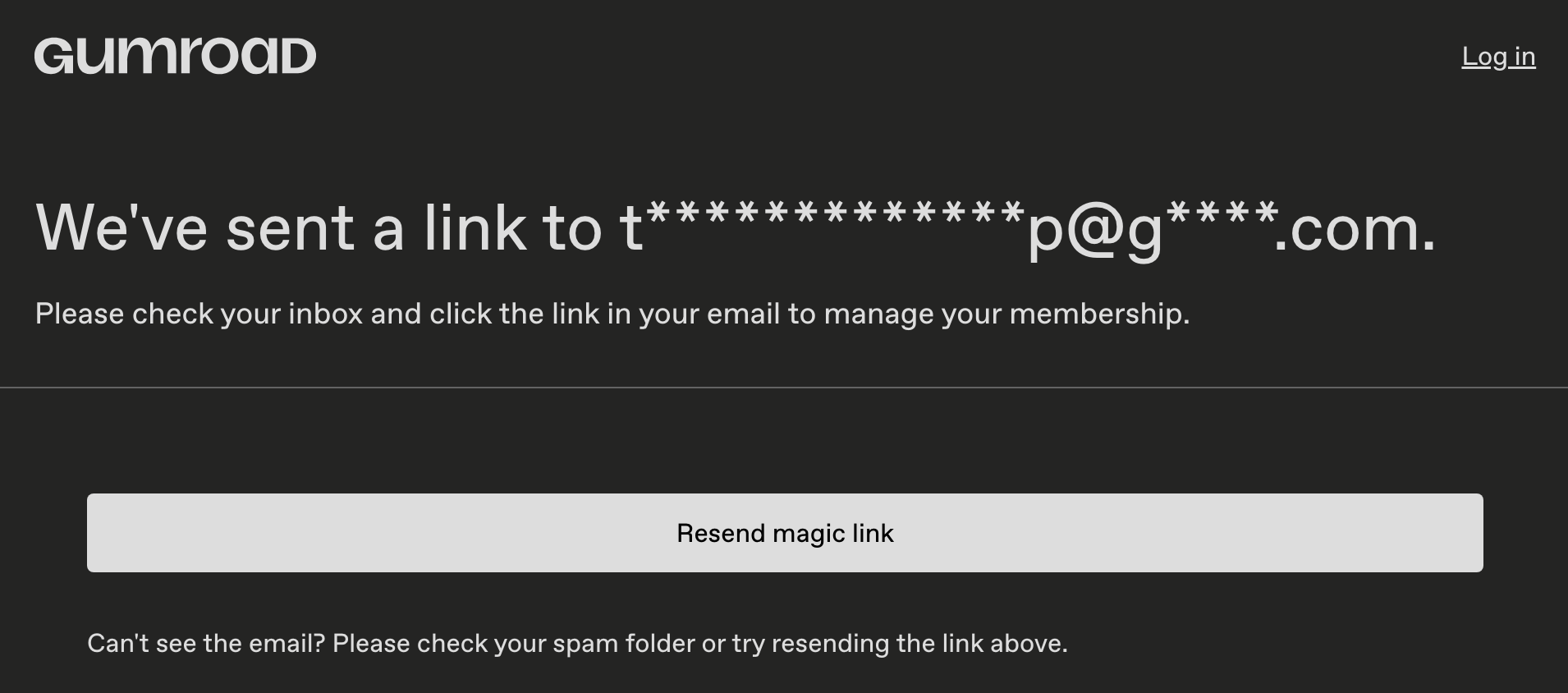
Step 2 — Check your inbox for the magic link
Gumroad will send a sign-in link to the email address on your purchase.
Check your inbox (and spam folder) and click the link. It expires after a
few minutes — use "Resend magic link" if needed.
-
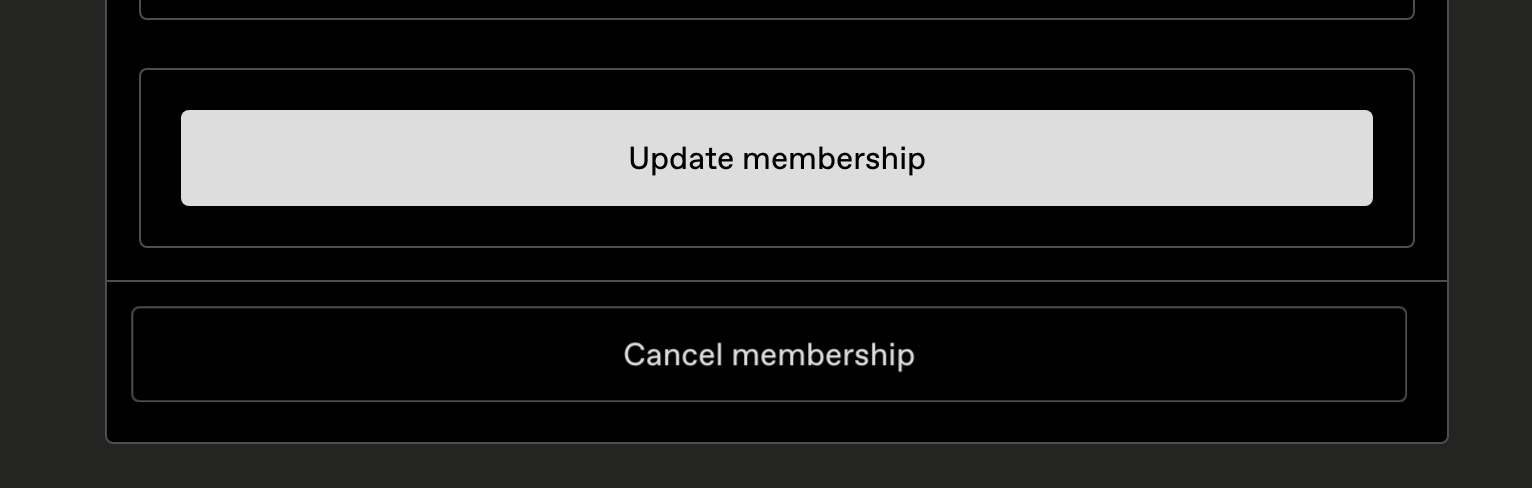
Step 3 — Click "Cancel membership"
After clicking the magic link, you'll be taken to your membership page.
Click "Cancel membership" to confirm the cancellation.
✅
After cancelling: Your Shield or Family plan stays fully active
until your next billing date. If you change your mind before then, just reactivate
in the extension using the same license key — no new purchase needed.
Need help? Email us at
[email protected]